
|
Sort |
| • | Button Move Up |
and Move Down

moves records or folders upwards or downwards in the tree.
Select record, click button.
| • | For moving to other folders use Drag-and-Drop over the folder name. |
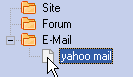
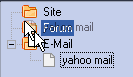
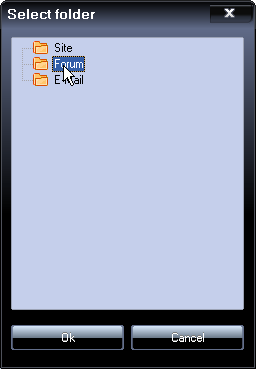
| • | It is possible to move a record to another folder while editing. |
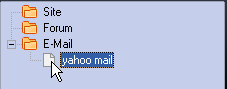

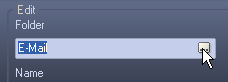
Select folder, click Ok.
| • | Button Sort |

Sorts in folder.
| • | Menu Data |
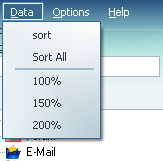
Sort - Sorts in folder.
Sort All - Sorts records or folders in to alphabetical order.